

IP Phone System Installation Checklist for New Offices
Moving into an office is exciting, but there is one thing that causes problems for many businesses: the phone system. IP phone system installation Dubai is not about connecting a few phones and calling it a day. There are things like network readiness, cabling, IP addressing, PoE, PBX configuration, extensions, security and testing that need to be considered before anyone uses the phone. Make any mistake with these. You could end up with calls dropping poor voice quality or a receptionist who can’t tell which extension goes to which person.
This checklist covers everything you need to handle in the order it usually happens so your new office is fully prepared for business communication, from the first day.
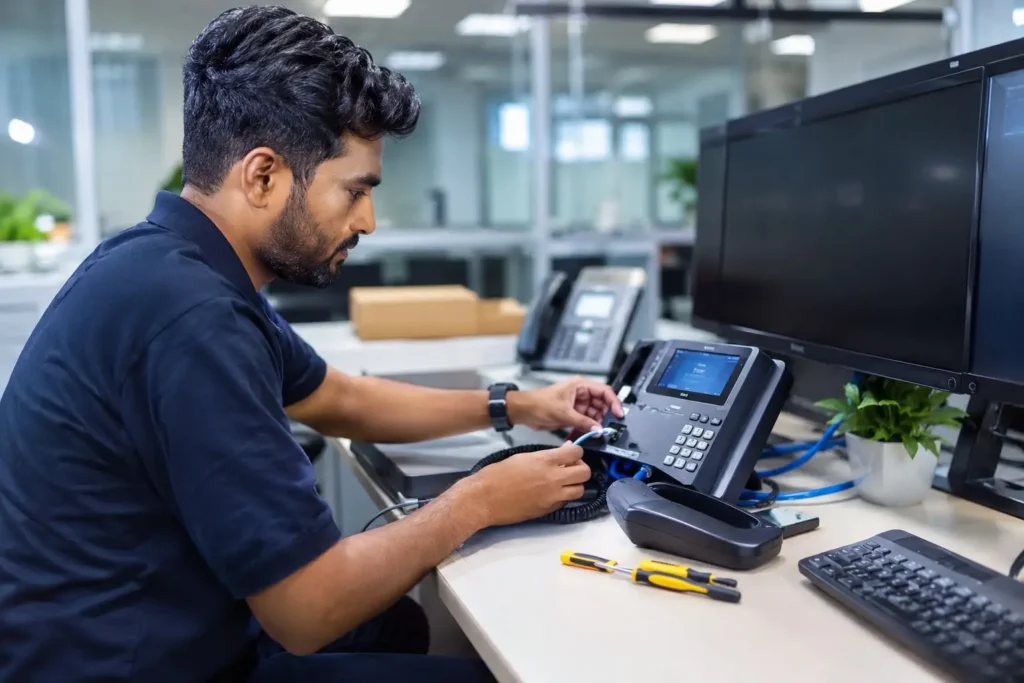
Why You Need an IP Phone Installation Checklist
Here’s the thing about phone systems: the problems rarely show up during installation. They show up a week later, once staff have moved in and everyone’s trying to actually use the phones.
Poor planning during IP phone system installation Dubai tends to lead to a familiar list of headaches:
- Voice quality issues that make calls sound choppy or robotic
- Dropped calls during busy periods
- Incorrect extensions that send calls to the wrong desk
- Network congestion once phones and computers compete for the same bandwidth
- PoE problems where phones simply won’t power on
- Security vulnerabilities that leave the system open to unauthorized use
- Troubleshooting that becomes a nightmare because nothing was documented
- Delays that push back your office opening date
A proper checklist exists to catch these issues before your team ever sits down at their new desks. It’s the difference between a phone system that just works and one that generates support tickets for months.
IP Phone System Installation Dubai Checklist for New Offices
This is the core of the process. Work through these steps in order and you’ll avoid most of the common pitfalls.
1. Assess Your Office Communication Requirements
Before buying a single handset, figure out what your office actually needs:
- Total number of employees
- Number of phones required (not everyone needs a desk phone anymore)
- Departments and teams, and how they need to communicate
- Reception requirements and intercom needs
- Management and executive phone requirements
- Conference room phone setups
- Expected call volume during peak hours
- Remote or hybrid employees who might need softphones instead of desk units
Skipping this step is how offices end up either overpaying for phones nobody uses or running short once the team settles in.
2. Choose the Right IP Phone System
The cheapest phone isn’t always the right phone. Match the device to the role:
- Entry-level IP phones for general staff
- Executive IP phones with more lines and features for management
- Reception phones built for handling multiple simultaneous calls
- Conference phones for meeting rooms
- Wireless IP phones for staff who move around a lot
- PoE-supported phones to simplify cabling and power
Brands like Cisco, Avaya, Yealink, and Grandstream each bring something different to the table, and picking between them depends on your existing infrastructure and budget more than personal preference. If you’re not sure where to start, working with an established IP Phone supplier in Dubai makes this decision a lot easier, since they can match phones to your actual setup rather than a generic spec sheet.
3. Check Network Infrastructure
IP phones ride on your data network, so the network needs to be ready to carry voice traffic without choking. Review:
- Network switches and their port capacity
- Router configuration
- LAN infrastructure age and condition
- VLAN support for separating voice and data traffic
- Internet connection speed and reliability
- Overall network capacity
- QoS (Quality of Service) settings
- Firewall configuration around SIP traffic
This step matters more than people expect. A shiny new IP telephone system installation on top of a tired, congested network is a recipe for dropped calls.
4. Verify IP Phone Cabling Requirements
Cabling is unglamorous, but it’s the physical foundation everything else depends on:
- Ethernet cabling run to every phone location
- Cat5e or Cat6 cable, depending on distance and future-proofing needs
- Maximum cable distance limits
- Patch panels organized and labeled
- Network points at each desk
- Cable testing before phones go live
- Proper labeling so troubleshooting doesn’t turn into cable archaeology later
5. Check PoE Requirements
Power over Ethernet (PoE) lets a single cable deliver both data and power to a phone, which is why most modern IP phones rely on it instead of separate power adapters.
Before installation, confirm:
- Whether your switches actually support PoE
- The switch’s total power budget versus how many phones you’re connecting
- What happens if the power budget is exceeded (spoiler: phones won’t power on, or the switch throttles ports unpredictably)
Skipping this check is one of the most common reasons an IP phone setup stalls halfway through installation day.
6. Plan IP Addresses and VLANs
Good IP addressing keeps voice traffic clean and predictable:
- Decide between DHCP and static IP assignment for phones
- Set up a dedicated Voice VLAN, separate from the Data VLAN
- Plan IP address allocation ranges in advance
- Segment the network so voice traffic isn’t competing directly with general office traffic
- Avoid IP conflicts by keeping a clear record of what’s assigned where
7. Prepare the IP PBX or VoIP platform.
This is where the phone system actually starts to function as a system. Cover:
- IP PBX selection based on your call volume and feature needs
- SIP configuration
- Extension creation for every user
- SIP trunk setup for external calling
- Call routing rules
- IVR (interactive voice response) menus
- Auto-attendant setup
- Voicemail configuration
- Call forwarding rules
If your team is deploying a new PBX platform, working with a specialist for IP PBX system Dubai setup can save a lot of back-and-forth since PBX configuration mistakes tend to ripple through every other step.
8. Configure IP Phones
With the PBX ready, it’s time to configure the actual handsets:
- Phone provisioning (ideally auto-provisioning to save time)
- Extension assignment per user
- SIP credentials for each device
- Firmware updates before deployment
- Date and time settings
- Display and language settings
- Speed dial setup
- BLF (Busy Lamp Field) keys for reception and shared lines
- Directory configuration so staff can find each other
9. Configure Call Features
Now layer in the features people actually rely on day-to-day:
| Feature | Why it matters |
| Internal calling | Basic desk-to-desk communication |
| External calling | Connects staff to clients and partners |
| Call transfer | Routes calls to the right person quickly |
| Call forwarding | Keeps calls reaching someone even when a person is away |
| Hold | Standard, but needs to be tested |
| Conference calling | Essential for meeting rooms and remote teams |
| Voicemail | Catches missed calls properly |
| Auto attendant | Handles incoming calls without a live receptionist |
| Call pickup | Lets teammates answer for each other |
| Hunt groups | Distributes calls across a team |
| Receptionist functionality | Manages high call volume at the front desk |
10. Configure Voice Quality and QoS
Voice traffic behaves differently from regular data traffic, and it needs priority to sound clear. If your network treats a phone call the same way it treats a file download, call quality suffers.
| Factor | Recommended consideration |
| Latency | Keep it low |
| Jitter | Keep it stable |
| Packet loss | Minimize it |
| Bandwidth | Allow sufficient capacity |
| QoS | Prioritize voice traffic |
Getting this right is what separates a phone system that sounds professional from one that sounds like a bad video call.
11. Secure the IP Phone System
Security tends to get overlooked in the rush to get phones working, but it shouldn’t be. Cover:
- Strong administrator credentials (never leave default logins in place)
- Secure SIP configuration
- Firewall rules specific to voice traffic
- Firmware kept up to date
- Unused services disabled on phones and the PBX
- Network segmentation between voice and data
- SIP security measures against toll fraud
- Protection against unauthorized or premium-rate calling
- Regular backups of PBX configuration
An unsecured IP PBX configuration is a genuine financial risk – unauthorised international calls routed through a compromised system can rack up huge bills fast.
12. Test Every IP Phone Before Office Opening
Don’t wait for staff to find problems. Test everything yourself first:
- ☐ Internal calls
- ☐ External calls
- ☐ Incoming calls
- ☐ Outgoing calls
- ☐ Call transfer
- ☐ Call forwarding
- ☐ Voicemail
- ☐ Conference calls
- ☐ IVR
- ☐ Caller ID
- ☐ Audio quality
- ☐ Hold/resume
- ☐ Emergency calling, where applicable
13. Document the Installation
Once everything works, write it down. Future you (or whoever handles IT after you) will be grateful. Document:
- Extension numbers and who they belong to
- Phone locations
- IP addresses assigned
- VLAN information
- PBX configuration details
- SIP trunk information
- Network configuration notes
- Device models installed
- Warranty information
- Administrator access procedures
Common IP Phone Installation Mistakes to Avoid
Even experienced IT teams fall into these traps during IP phone setup:
- Installing phones without checking network capacity first
- Ignoring PoE power budget requirements
- Using poorly terminated or untested cables
- Skipping QoS configuration entirely
- Putting voice and data traffic on the same unsegmented network
- Leaving phones on outdated firmware
- Failing to secure SIP credentials properly
- Not testing every single extension before go-live
- Choosing phones based on price alone, without matching business requirements
- Not documenting the final configuration
Any one of these can turn a smooth office move into a support headache. A few of them together, and you’re looking at real downtime.
Which IP Phone Brand Is Right for a New Office?
There’s no single “best” brand – it depends on your setup. Here’s a quick rundown.
Cisco IP Phones
A solid choice for businesses already running Cisco networking gear, or those needing an enterprise-grade deployment with strong scalability.
Avaya IP Phones
Works well for organizations already operating within an Avaya communication environment, particularly larger offices with complex call routing needs.
Yealink IP Phones
A popular pick for businesses wanting feature-rich phones without a steep price tag, across a wide range of budgets.
Grandstream IP Phones
A cost-effective option for companies looking for reliable VoIP compatibility without paying for enterprise-tier extras they won’t use.
The right phone really comes down to your PBX platform, network infrastructure, required features, budget, and number of users, not just brand loyalty. If you want phones matched properly to your setup, browsing IP Phones in Dubai options from a supplier who also handles configuration tends to work out better than buying hardware and figuring out the rest afterward.
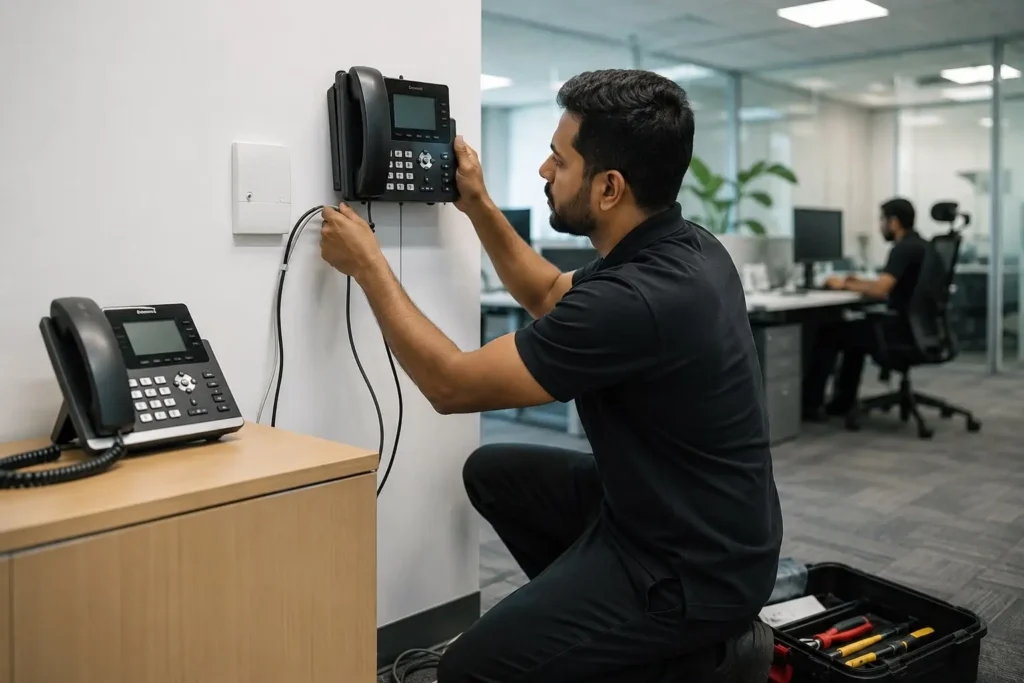
When Should You Hire a Professional for IP Phone Installation?
DIY installation can work for a tiny office with a handful of phones. Beyond that, it usually pays to bring in a professional, especially for:
- New office deployments from scratch
- A large number of extensions
- Multiple departments with different needs
- Existing networks that need reconfiguration
- IP PBX integration
- SIP trunk setup
- VLAN and QoS configuration
- Multi-site deployments
- Strict security requirements
- Migration from a traditional PBX to IP telephony
If your project checks more than one or two of these boxes, professional IP telephone system installation is worth the investment – it’s far cheaper than fixing a botched DIY setup after the fact.
Professional IP Phone Installation and Configuration
A complete installation service typically covers:
- IP phone supply
- Site assessment
- Network readiness assessment
- Cabling coordination
- IP phone installation
- IP PBX configuration
- Extension setup
- SIP configuration
- VLAN and QoS configuration
- Testing
- Troubleshooting
- Ongoing maintenance and support
Whether your office needs Cisco, Avaya, Yealink, Grandstream, or a mix of compatible systems, having one team handle supply and configuration together avoids the finger-pointing that happens when hardware and setup come from different providers. For reference, teams like Cisco IP Phone supplier in Dubai and Avaya IP PBX supplier in Dubai specialise in specific ecosystems, while broader IP Phone solutions in Dubai providers can advise across brands depending on what your office actually needs.
Final IP Phone Installation Checklist
Here’s the condensed, printable version to keep handy during setup:
- ☐ Communication requirements assessed
- ☐ Number of users confirmed
- ☐ IP phones selected
- ☐ Network checked
- ☐ Cabling completed
- ☐ PoE verified
- ☐ IP addressing planned
- ☐ VLAN configured
- ☐ IP PBX configured
- ☐ Extensions created
- ☐ SIP trunk configured
- ☐ Phones provisioned
- ☐ QoS configured
- ☐ Security settings applied
- ☐ Call features tested
- ☐ Voice quality tested
- ☐ Documentation completed
- ☐ Users trained
Conclusion
A successful IP phone system installation Dubai project isn’t about any single step – it’s about how well the phones, network infrastructure, PBX platform, SIP services, and security all work together. Miss one piece and the rest of the system feels the impact, usually in the form of dropped calls or a frustrated front desk on day one.
If you’re planning a new office move and want the whole process handled properly – from IP PBX configuration to final testing – it’s worth talking to a team that does this for a living rather than piecing it together yourself. A well-planned installation means your team walks into a new office and the phones just work, which is really all anyone’s asking for.
FAQ
It depends on office size, but a typical mid-sized office setup takes anywhere from a few days to two weeks, including network checks, cabling, PBX configuration, and testing.
Yes, it’s strongly recommended. A dedicated Voice VLAN keeps call quality stable by separating voice traffic from general data traffic.
Sometimes, but it depends on the cable type and condition. Cat5e or Cat6 cabling in good condition can usually support IP phones without replacement.
PoE (Power over Ethernet) delivers power to phones through the same cable as data. Most modern IP phones support it, though some models can also run on separate power adapters.
There’s no universal answer – it depends on your PBX platform, budget, and required features. Each brand suits different business needs.
Both are valid options. An on-premise IP PBX gives more direct control, while cloud-hosted systems reduce hardware management. The right choice depends on budget and IT resources.
This varies by headcount and department structure, but most small offices start by matching one extension per employee, plus shared lines for reception and conference rooms.